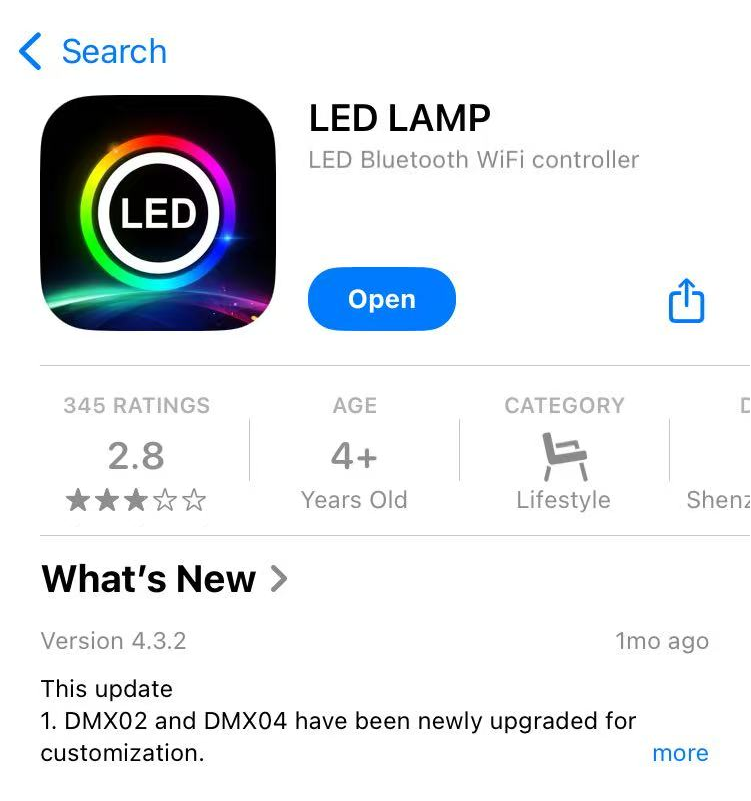
Step 1, Scan the QR code on the light back and download the App.
Step 2, turning on the wifi connection, by setting the display to be like the in the picture, and then hold the display.
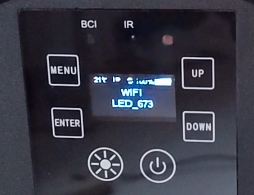
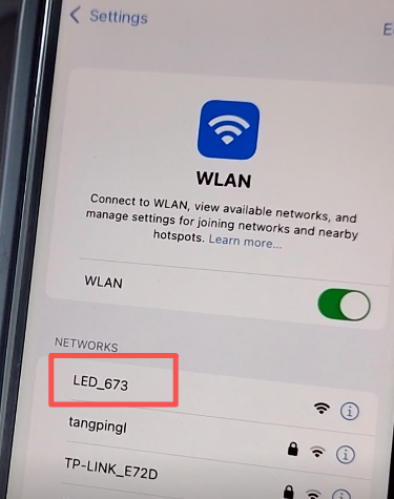
Step 3, connect to the phone wifi (wifi name shown on the light display. Different light, different wifi name).
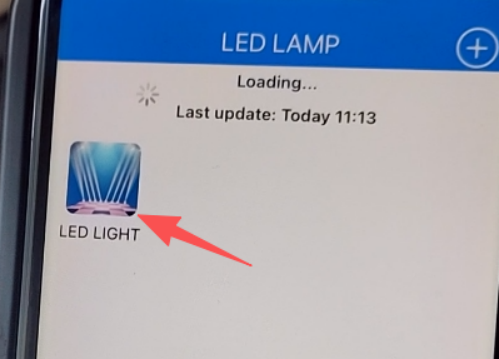
Step 4, open the LED LAMP app, and then tap on LED LIGHT.
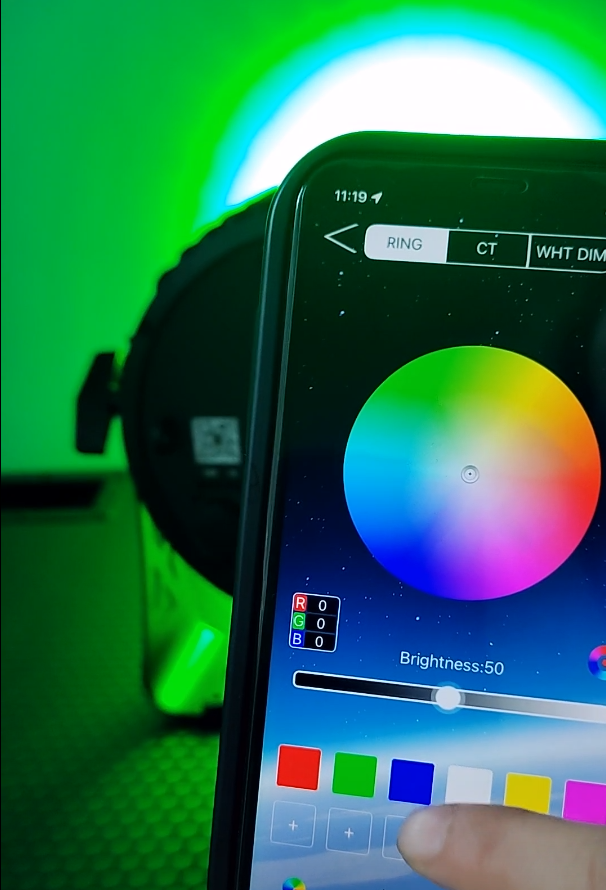
Step 5, select or mix the target colors.